



1.4.4 Actions on the current folder or workspace
Objects are created by performing actions on the current folder. The pop-up menus, that trigger these actions, are located in the top section of the folder page. Below the pop-up menus you find action shortcuts for the most frequent of these actions.
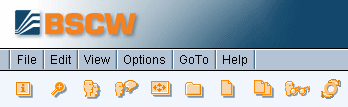
Figure 1.4-3: Top menu bar and action shortcuts
New objects are added by selecting one of the file menu entries from the top menu or by selecting the respective action shortcut:
- Select to upload a file from your local computer system to the current BSCW folder or workspace.
- Select and an object type from the list of Folder, URL, Discussion, Search Folder, Contact List, Community, Document Set, Project, Task, Flow Folder or Poll to create an object of the specified type directly on the BSCW server.
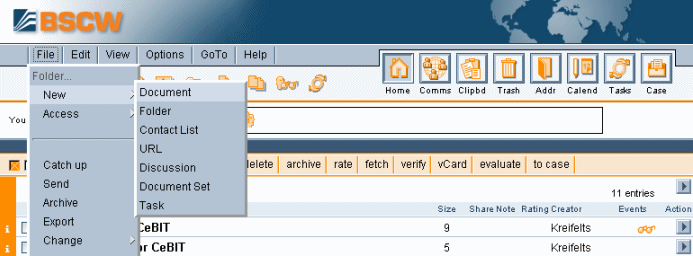
Figure 1.4-4: How to create a document
Most current Web browsers provide the functionality required for file upload. If you use a browser that doesn’t, you have to use one of BSCW’s upload helpers (see 4.2.2).
Existing objects are moved around your workspaces using your clipboard:
