



4.2.3.2 Views on folders
You are able to determine the way your folders are displayed via the menu in the top menu bar:
- choose to select what attributes are displayed in the columns;
- choose to scale BSCW’s font size;
- choose to sort the items in a folder;
- choose to show or hide the action shortcuts;
- choose to show or hide the descriptions of the folder entries;
- choose to enable or disable the display of subfolders.
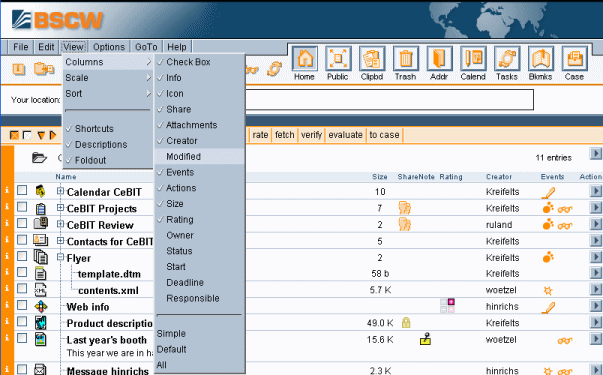
Figure 4.2-3: Adjusting the folder view
