


 Contents Index

5.1.7 Calendar Actions
There are the following actions available to handle your appointments.
- Open - used to open the details of an item
- Catch up - used to take note of events of an item
- History - shows all events of an item
- Info - shows all the information about an item
- iCalendar - used to exchange format for calendar tools, e.g., Outlook and StarOffice
- Edit - shows all the possible information editable of an item
- Attach - to attach a document or an URL to this item
- Access - to manage access control
- Copy - makes a copy of the selected item in your clipboard
- Cut - move the selected item to your clipboard
- Delete - remove the selected item and put it in the waste bastket
Note:
Use the option | undelete |
in the Wastebasket, to revoke deleting an action.
Note:
Use the option | to Calendar |
in the Clipboard, to revoke cutting an action.
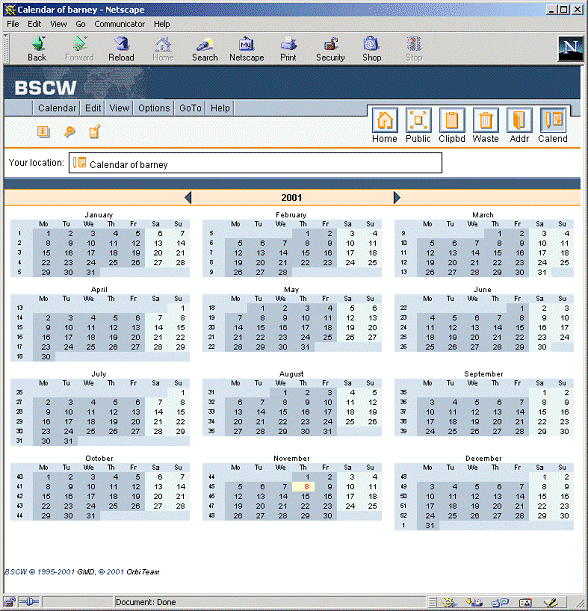
Figure 5.1-2: Calendar Year View
Contents Index
