


 Contents Index

3.2.1 Starting JBrowser
JBrowser is started on your BSCW Server as follows:
- Login with your Web browser to your BSCW home folder and select
 JBrowser
from the action menu of your home folder.
JBrowser
from the action menu of your home folder.
- Note:
- Java and JavaScript need to be enabled in your Web browser.
If this is the first time using JBrowser with the current Web browser the installation process will start (see 2.5.1). Otherwise JBrowser starts.
When you start JBrowser, your Web browser will open the JBrowser console window. You may minimize it, but you must not close it during the JBrowser session.
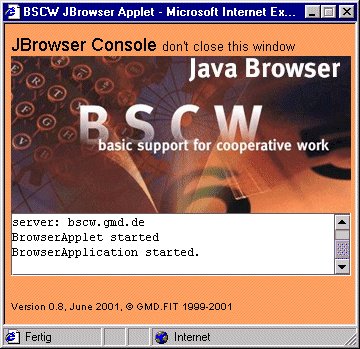
Figure 3.2-1: JBrowser console window
Depending on the Web browser you use, you need to login to your BSCW server again when the applet is started.
Contents Index
